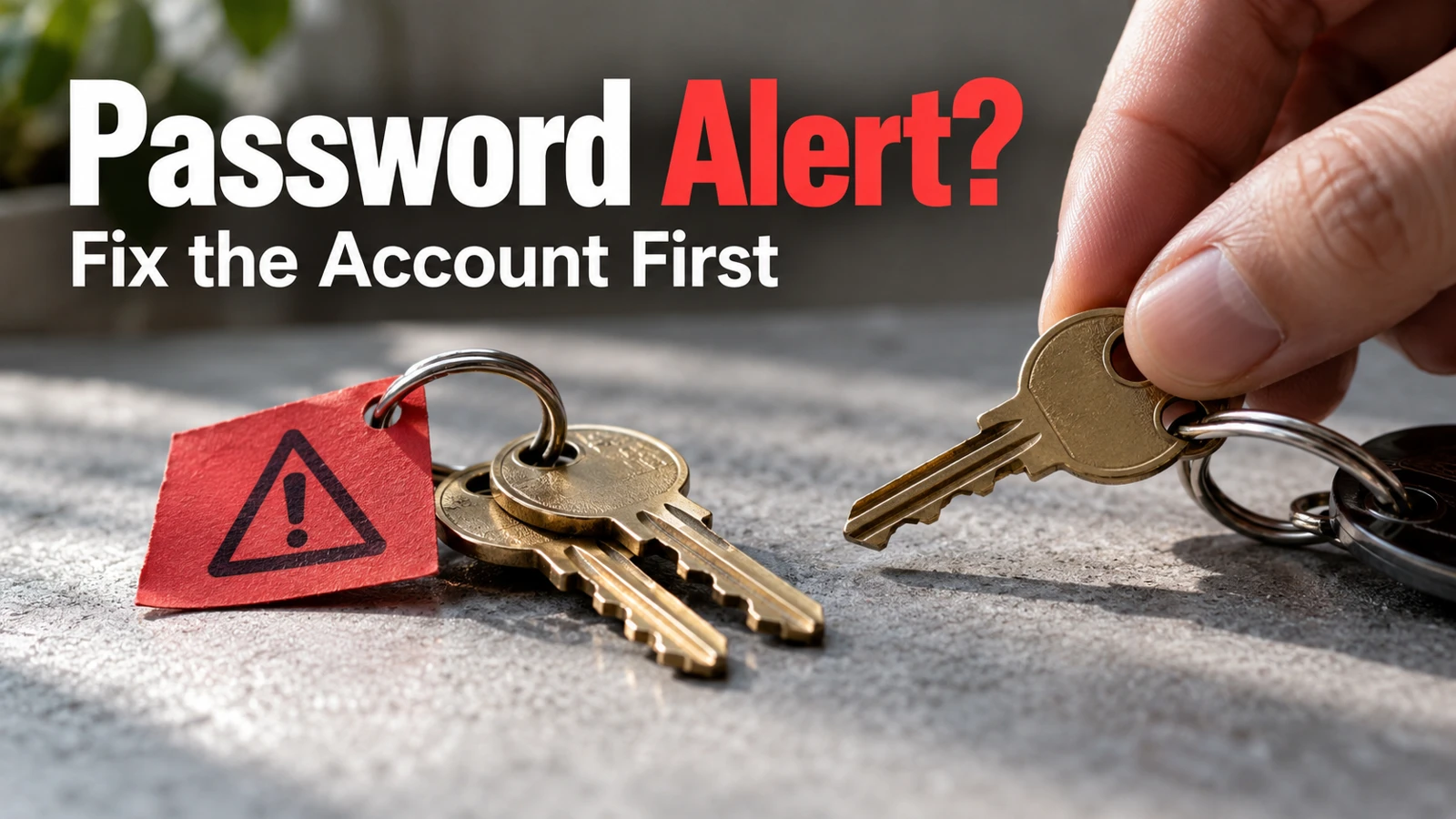
A password monitor checks saved credentials against known risks, such as exposed, weak, or reused passwords. If it warns you, open the affected service directly, change the relevant password, and check other accounts that reused it. Treat the alert as a reason to investigate—not automatic proof that somebody is inside your account.
The first useful action is also the easiest to overlook: verify the warning without clicking an unexpected email or text link. A real breach notification and a convincing phishing message can arrive in the same inbox.
I’d separate the problem into two questions: is this credential unsafe, and is there evidence of account misuse? Those questions can require different follow-up actions.
What is password monitoring actually telling you?
The answer to “what is password monitoring?” depends on the product. Some tools check for credentials appearing in known leaks; others also identify password reuse or weak choices in your saved collection.
Google’s Password Checkup overview describes checks for compromised, reused, and weak passwords. The tool is checking a risk signal, not conducting a complete investigation of everything that has happened to an account.
A warning may refer to an old password you already replaced, a saved duplicate, or a credential still active on the service. You need to identify which situation applies before dismissing or repeatedly acting on the same item.
Warning or observation | What it can mean | First response |
|---|---|---|
Compromised password | The credential appears in known exposure data | Check whether it is still used and replace it if so |
Reused password | The same secret protects more than one account | Give each affected service a unique replacement |
Weak password | The credential may be easier to guess | Replace it through the actual service |
Unknown activity or changed recovery details | Someone may have accessed the account | Follow the service’s compromised-account guidance |
The final row is different from a password-quality warning. Don’t reduce evidence of misuse to a housekeeping task in the password manager.
Verify the alert through a route you already trust
If the warning appears in your installed password manager, open the affected entry and identify the service. If it arrives by email or text, open the manager or service using your own bookmark, app, or known address.
The FTC’s phishing guidance recommends contacting organizations through a website or number you know is real instead of the contact information in a suspicious message.
Check the account identifier carefully. Two family members may use the same service with different email addresses, and an alert about one account does not authorize changing the other person’s login.
Do not reply with verification codes or send a screenshot containing a password to someone claiming to help. If you need assistance, describe the alert’s category and service without sharing the secret itself.

If I were helping a parent who received a frightening message, I’d first ask them to close the message and open the known app. That small change of route avoids making the warning itself the entrance to a second problem.
What to do after a password leak alert: fix the live credential
What to do after a password leak alert starts at the underlying website, not in the password manager’s edit box. Changing the text of a stored entry does not by itself change what the service accepts.
Use this sequence for an account you can still access:
Open the service directly and confirm the signed-in account.
Find its password-change control.
Generate or choose a strong, unique replacement.
Complete the service’s change process.
Save the new credential in your password manager.
Verify a fresh sign-in through the service’s normal method.
Keep a working session available until you understand the process. A test should confirm the new credential without needlessly creating a lockout.
If you cannot sign in, use that service’s official recovery route. If you see unfamiliar transactions, changed recovery information, or messages you did not send, use its compromised-account process and the appropriate provider support rather than assuming a password change alone resolves everything.
For financial or identity-related consequences, obtain account-specific guidance from the relevant institution. Do not send sensitive account details to a generic “recovery specialist” found in a search advertisement.
Reused password warning steps: follow the connections
Reused password warning steps should reach every account still protected by the exposed password, not just the first service named in the alert.
Search your saved credentials for reuse using the manager’s supported check. Do not create a new plaintext spreadsheet of the old passwords to compare them manually.
Prioritize accounts that control other accounts: primary email, password-manager access, and recovery channels deserve close attention. Then address services with sensitive records or payments and the remaining reused credentials.
Use different replacements. Adding a service name or changing one digit in the same basic password can preserve a predictable pattern rather than creating independent protection.
A family shared login needs communication too. Tell the appropriate people that the credential changed using the supported sharing arrangement, without broadcasting the new password in a group chat. Confirm that legitimate access still works.
A resolved alert needs a resolved password: Dismissing the notification is not the same as replacing an unsafe credential.
Clean up the record after the account is secure
Once the live credential has been changed and checked, review the saved entry. Remove obsolete duplicates only when you are confident which entry works and which account it belongs to.
An old entry can make the warning reappear even after the real account is fixed. The solution is accurate records, not repeatedly changing an already unique password without understanding the source of the alert.
Keep unresolved tasks visible without keeping the warning open forever. For example, the service password may be changed while a recovery email still belongs to an old provider. Record that second action explicitly and assign it a date. Otherwise a green checkmark can conceal unfinished access maintenance.
Do not interpret a clean dashboard as proof that no credential has ever been exposed. Monitoring depends on the information and checks the product supports. It cannot guarantee detection of every future leak or every form of account misuse.
Likewise, a service-specific passkey or additional verification method may change how you sign in, but it does not authorize ignoring old recovery information or other remaining passwords. Follow the service’s own supported options.
A password monitor alert checklist for household records
Use a password monitor alert checklist that records actions without storing secrets:
Record | Example of a useful entry |
|---|---|
Service and account | Household utility; correct account email identified |
Warning type | Reused password, not evidence of a transaction |
Action taken | Password changed at the service |
Verification | Fresh sign-in succeeded |
Related work | Other reused entries reviewed |
Remaining issue | Recovery phone still needs updating |
Avoid recording the actual old or new password in this log. The account identifier itself may be private, so keep the record appropriately restricted.

If you are assisting somebody else, let them remain the account owner. They can perform the sign-in while you explain the steps. Helping with the workflow does not require collecting a copy of every credential.
If several alerts appear at once, give each affected live account its own status. A single note saying “passwords fixed” can conceal one service that still needs recovery. Work through the highest-impact account first, then keep the remaining queue visible. Do not share the queue publicly; account names can reveal private household relationships.
How often to review password alerts
How often to review password alerts depends on their meaning. A verified exposure involving a password still in use deserves prompt attention; an ordinary review of stale entries can be scheduled.
I’d look at security notifications when they arrive, then use a brief monthly review to catch unfinished changes and obsolete records. That schedule is an editorial maintenance suggestion, not a guarantee about when a breach will be detected.
Repeat the review after recovering an account, changing a primary email, or replacing a phone used for verification. Those events can alter the access arrangements surrounding otherwise good passwords.
If an alert concerns an old Android record, use our saved-password review steps after securing the live account.
Start now with one verified alert: identify the service, determine whether the saved password is current, and change it at the service if it is unsafe. Close the task only after the new sign-in works and any reused credentials have their own next action.