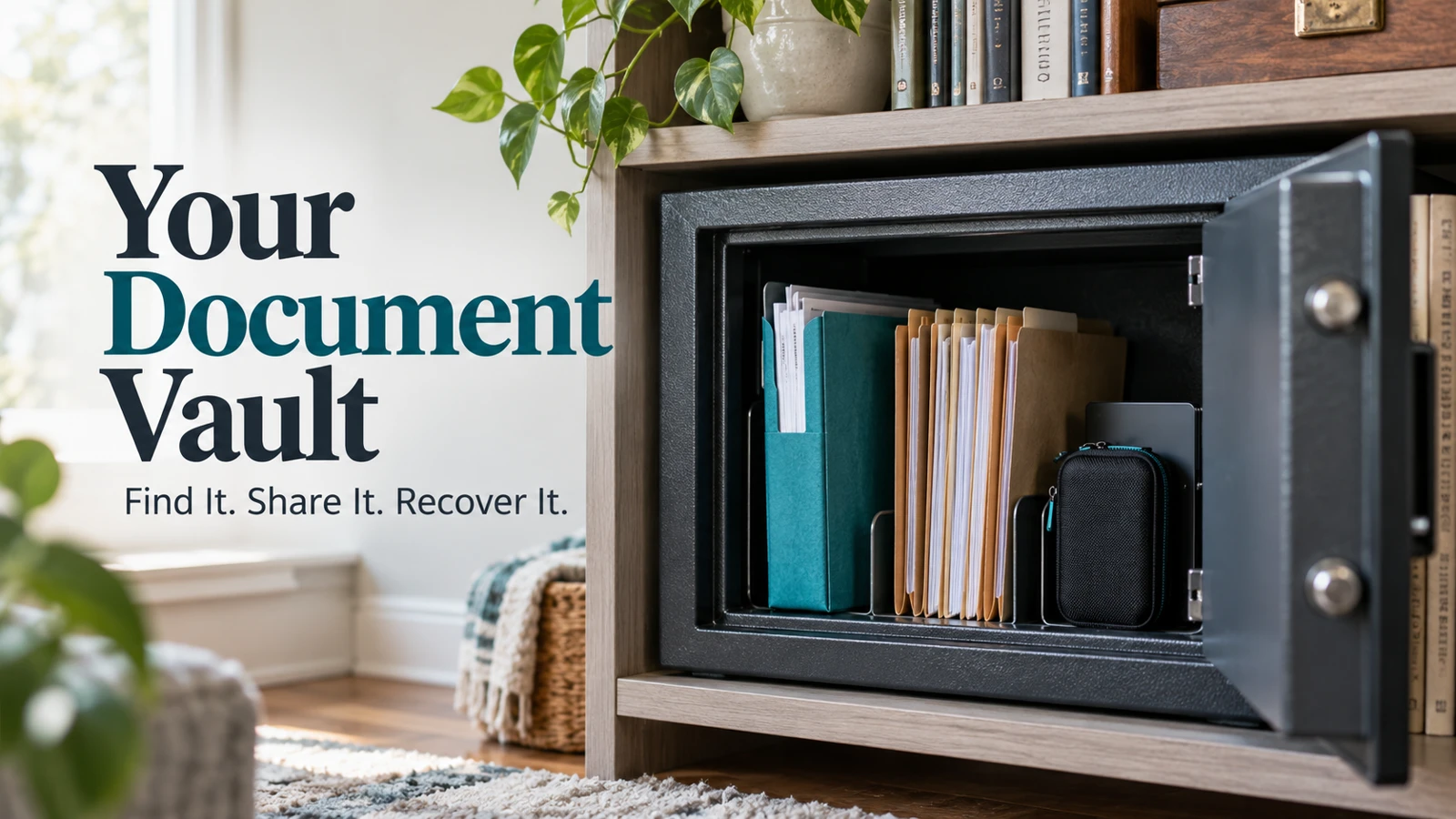
An online vault for documents should help you find a current record, control who can access it, and recover access when your usual device is unavailable. Start with a small set of household essentials rather than scanning every paper in the house. Keep physical originals when they are required; a digital copy does not automatically replace them.
My first question is not how much storage a vault offers. It is whether the next person can find the right insurance policy without opening unrelated medical or financial records.
That question changes the setup. You need clear ownership, readable files, sensible permissions, and an exit route—not just a folder with a reassuring name.
A digital vault is a system, not a security label
“Digital vault” can describe a dedicated document service, a protected area in another app, or a household’s own carefully managed storage arrangement. The name alone does not establish what the provider encrypts, who can decrypt files, or how access is recovered.
For secure document storage, review the actual service documentation. Look for account protection, supported sharing controls, recovery procedures, export options, and what happens if you stop paying. Do not infer those details from a padlock graphic.
The FTC’s guidance on recognizing phishing provides a useful baseline: protect accounts and devices, use stronger sign-in protections, and recognize attempts to obtain your information. A vault does not make those responsibilities disappear.
I’d reject a setup that nobody can explain or recover, even if the sales page promises advanced protection. Secure file storage needs to remain usable during an ordinary interruption, not only during a perfect demonstration.
Build the first collection around decisions your household actually makes
Start with records that answer a recurring household question. Which insurer covers the car? Where is the current lease? Which number identifies the appliance warranty?
Create a first-pass inventory without recording unnecessary secrets:
Record group | Useful digital material | Important distinction |
|---|---|---|
Home | Lease, mortgage correspondence, home inventory | A scan may not replace an original legal document |
Insurance | Current policy and claims contact information | Old coverage should not look current |
Identity | Copies only where you have a clear need | Restrict access more carefully than routine paperwork |
Household services | Account identifiers and support details | Store passwords in a password manager instead |
Health administration | Insurance information and selected records | Share only what the recipient needs |
This is an organization example, not a legal retention schedule. For requirements about originals, taxes, estate documents, or medical records, use the issuing organization or a qualified professional’s guidance.
An online document vault for families should not become a dumping ground for every attachment. If a file has no clear purpose, do not upload it simply because storage space remains.
Name files so that the correct version wins
The best naming convention is one your household can apply without a manual. A workable example is 2026-10-home-insurance-policy.pdf. Add the subject and meaningful date; avoid placing account numbers or Social Security numbers in filenames.
Separate current material from older versions. A “Current insurance” folder can contain the policy in force, while an “Archive” folder holds prior years. This reduces the chance of forwarding last year’s coverage when someone asks a simple question.
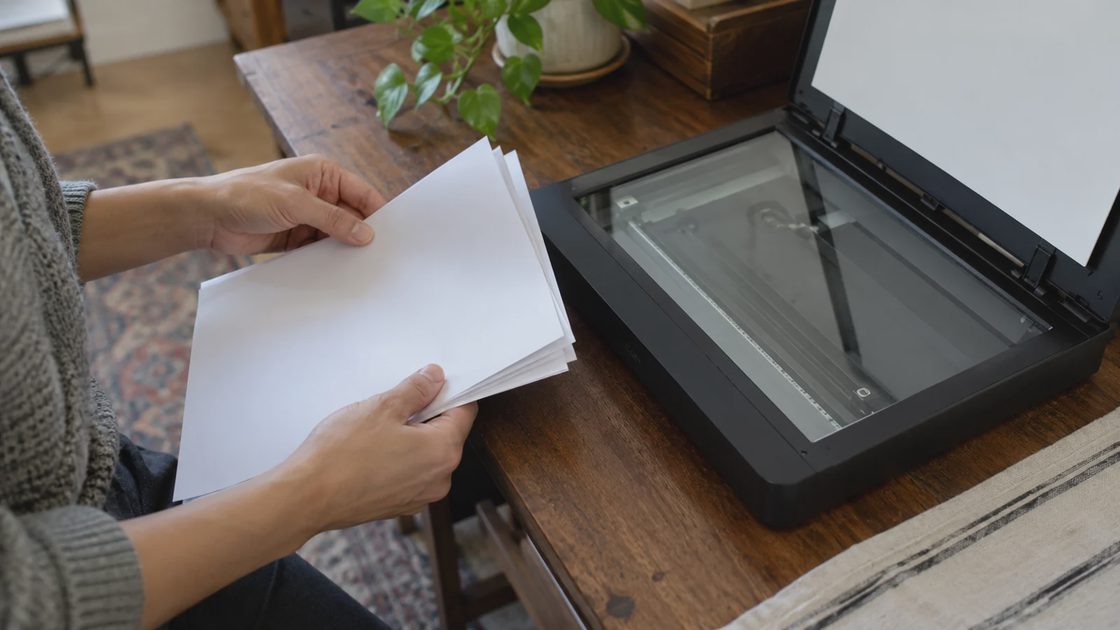
For scanned documents, open the saved file and inspect all pages. Check whether the text is readable, the edges are present, and the pages are in order. Searchable text is helpful, but a search result is not proof that a blurry scan captured the information correctly.
If I were organizing a parent’s home records, I’d begin with one policy and one appliance warranty. I’d ask them to find both using the names we chose. If the names only make sense to me, the system needs revision before I add another hundred files.
Keep a short version note when a document is replaced: what changed, when it became current, and who checked it. That is more useful than filenames ending in final-final-new.
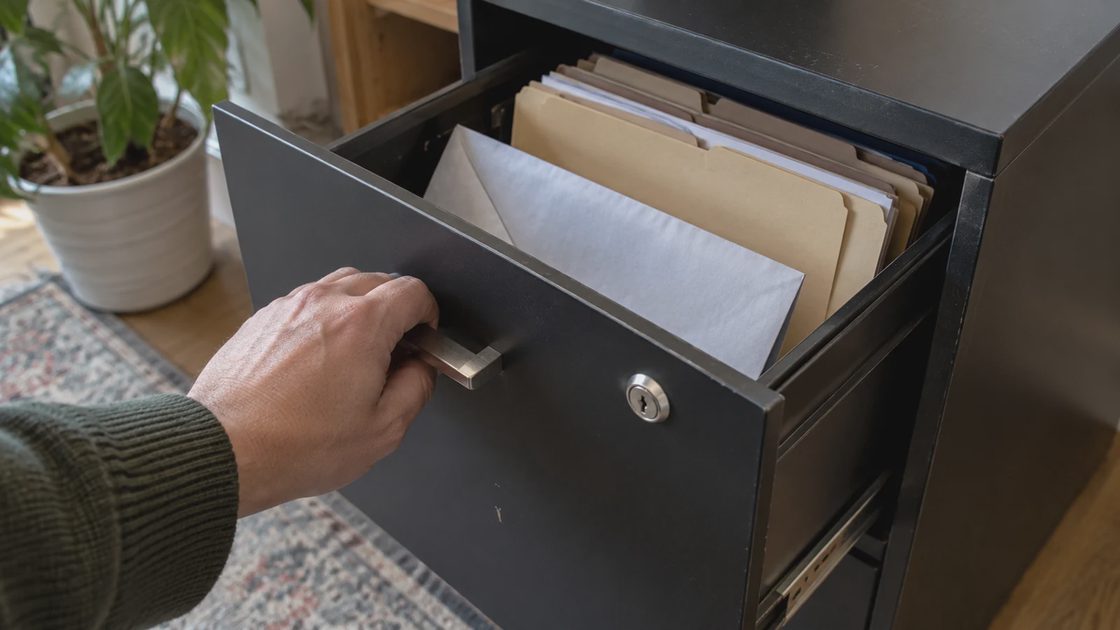
Record the location of physical originals separately. “Original in upstairs file cabinet” can be useful; a complete cabinet combination in the same broadly shared document index may not be.
Assign access by purpose, not by family title
A spouse, adult child, caregiver, and accountant may need different records. Being a trusted person does not mean needing access to the whole archive all the time.
Create a simple access map before sending invitations:
Owner: Maintains the account and recovery arrangements.
Second responsible person: Knows the system exists and has the access you intentionally grant.
Limited recipient: Receives a particular folder or document for a task.
Former recipient: No longer needs access after the task ends.
Use the narrowest supported permission that completes the job. A person who only needs to read a policy does not necessarily need permission to edit or delete the folder.
Google Drive’s sharing guidance illustrates the distinction between roles such as viewer and editor. Other providers use different labels and plan restrictions, so check the service you choose rather than assuming the controls match.
Test with a harmless sample file before sharing sensitive material. Have the recipient open the invitation from their own account. Confirm that they can see the intended item and cannot browse unrelated records.
Useful access is specific: “Can find the current home policy” is a clearer objective than “has access to our files.”
Recovery needs a route outside the vault itself
A recovery instruction that lives only inside the locked account cannot help someone who cannot sign in. Keep appropriate recovery material protected in a separate location, and let an authorized person know how to find that location without distributing its contents casually.
Review the account’s recovery email, phone number, and additional verification methods. Make sure the recovery email is one you can actually open. Provider recovery procedures vary; none should be treated as a promise that support can restore every encrypted file.
The household should also know who pays for the service. Record the billing account, renewal date, and person responsible for changes. If payment fails or the subscriber becomes unavailable, you do not want a second person discovering the arrangement through a warning email they cannot access.
I’d postpone a major upload if the only recovery method was a phone being replaced that week. Fixing the access route first is a practical tradeoff: the archive grows more slowly, but it does not become dependent on a device you are about to surrender.
Plan how you would leave before you settle in
Export is part of evaluating an online vault for documents. Try downloading one ordinary file and opening it with software outside the service. If the provider offers an account export, read which items it includes and which organizational details may not travel with it.
Check whether your own copies preserve filenames, usable formats, and the information you need to interpret them. A folder of files is better than no copy, but an index may still be needed to explain which policy is current or where the original lives.
Do not delete the working collection during this test. Export and verification should add a recovery option, not remove the existing one before its replacement is ready.
A second copy needs its own maintenance schedule. A drive from five years ago is not a current household archive just because it contains an organized folder tree.
Your household document vault checklist
Use this household document vault checklist after the first small collection is ready:
Find one current document without searching every folder.
Open it and confirm the pages are readable.
Check its sharing permissions from the owner’s account.
Confirm that an intended recipient can access a harmless test item.
Locate the protected recovery instructions without opening the vault.
Download a sample file and open it independently.
Record the next review date and responsible person.
Review current policies when they renew, access when a task ends, and recovery information when a phone or email changes. A quarterly look at the overall arrangement is a reasonable household routine, not a substitute for document-specific requirements.
For a temporary request, follow our secure document handoff checklist instead of opening the master archive.
Your first action is to choose one record you routinely need and give it a clear name, home, and owner. Once another authorized person can find the correct version, you have the beginning of a maintainable archive.