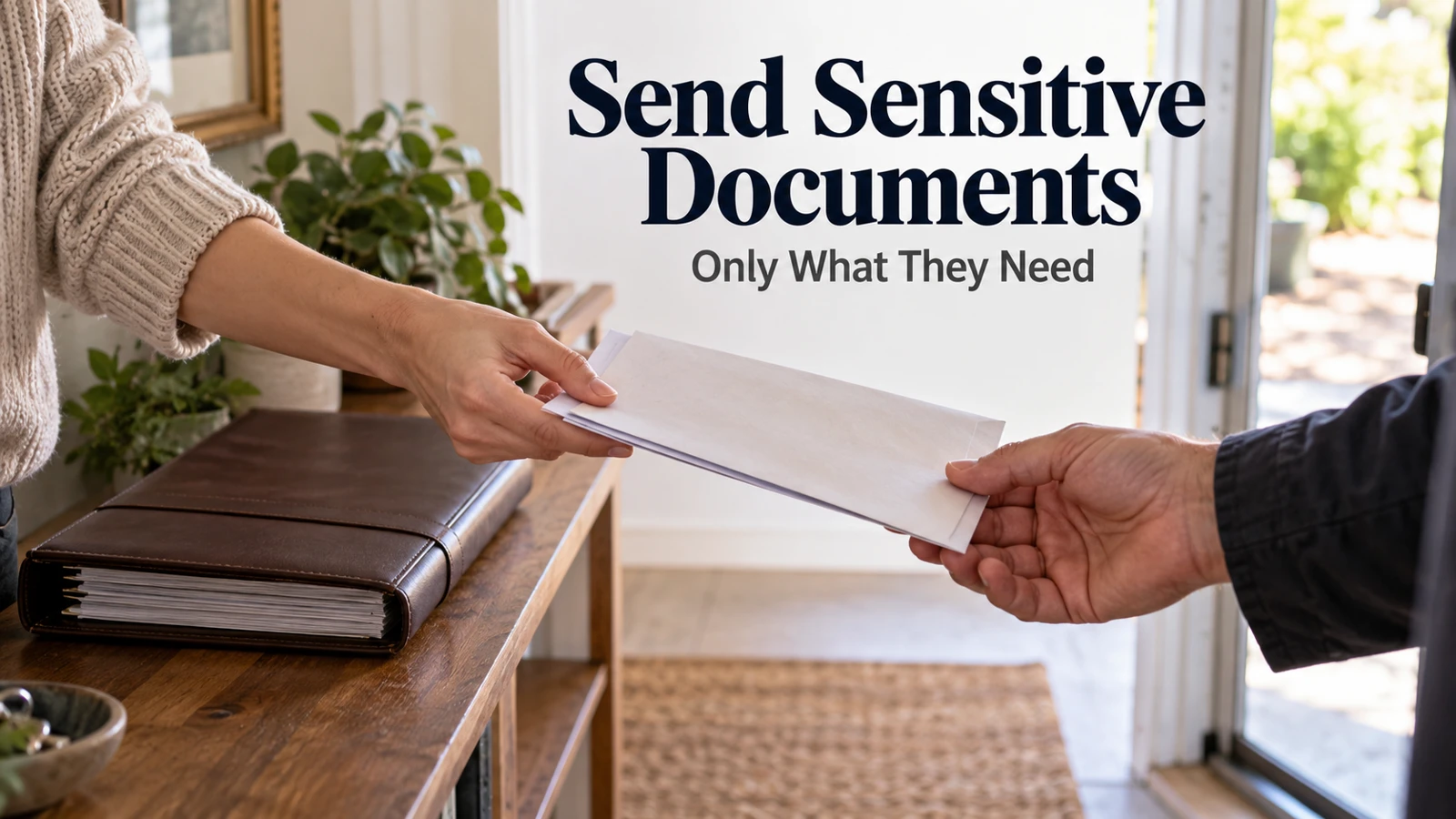
Sending documents securely begins before you choose an app. Confirm who needs the information, which pages they actually require, and how they expect to receive it. A well-protected folder still creates unnecessary exposure if it contains more material than the recipient needs.
For a household, the most workable process is a short handoff: verify the request, prepare a limited copy, choose access deliberately, confirm delivery, and close access when the job ends. Keep your original record separate from the copy created for that request.
Stop at the request, not at the attachment button
An urgent message asking for identification, financial records, or an account statement deserves independent verification. Open the organization's known site or contact it using information you already trust. Do not use the message's link or phone number as the only proof that the request is genuine.
The FTC's phishing guidance recommends checking requests through a known route. That is especially relevant when an unexpected message changes the destination for documents you were already preparing to send.
Ask a precise question: “Which documents and which pages are required for this task, and what is your approved submission method?” A clear answer can prevent you from sending an entire household file when the recipient needs one current page.
If a trusted organization provides an authenticated upload portal, confirm that you reached the real portal independently. A padlock symbol alone does not establish that the site belongs to the intended organization. Check the address and the context of the request.
Prepare a copy for this recipient
Create a separate working copy of the required material. Keep the original in its normal household record location. This makes it easier to limit the disclosure and prevents a temporary sharing task from disrupting the master file.
Inspect every page. Check names, dates, page order, attachments, and the reverse sides of scans where relevant. A neat file name does not tell you whether the second page belongs to a different household member or contains information unrelated to the request.
If you plan to redact information, first confirm what the recipient must see. Use a proper redaction process and verify the resulting file; drawing a black shape over text may leave the underlying content accessible. Do not assume a screenshot or annotation has permanently removed the data.
Use a neutral, recognizable file name containing the record type and date where useful. Avoid placing a full account number, birth date, or other unnecessary identifier in the file name. File names can appear in messages and logs even when the file itself has restricted access.
Choose the route by recipient and sensitivity
When deciding how to send household documents securely, consider both the recipient's required process and the file's sensitivity. A channel the recipient cannot use may encourage unsafe workarounds, such as forwarding a broadly accessible link to another person.
Situation | Route to consider | What to confirm |
|---|---|---|
An organization requests records | Its verified, approved upload process | Correct account, destination, and submission receipt |
One named person needs a file | Restricted sharing to that identity | Recipient identity and minimum suitable permission |
A temporary review is needed | Restricted access with an end date where supported | Expiration or a manual removal reminder |
A method is unclear | Ask the recipient before sending | An approved alternative with clear instructions |
A password-protected file may be useful in an appropriate workflow, but do not treat a password sent in the same message as a complete protection plan. The recipient, delivery channel, strength of the protection, and subsequent handling still matter.
Avoid inventing a complicated process the recipient's organization has not approved. If an adviser or institution has specific document requirements, ask how those requirements fit the available secure submission method. Compatibility is part of successful delivery.
Grant access to the file, not the household archive
To share sensitive family files securely, select the smallest suitable set of files and the narrowest appropriate permission. A person reading one document rarely needs editing access to the master folder containing years of household records.
Google's Drive sharing instructions distinguish access roles and sharing choices. Dropbox's permissions guide similarly explains the difference between viewing and editing. Read the controls for the service you actually use rather than assuming the labels behave identically everywhere.
Check the parent folder's membership. Moving a sensitive document into an already shared location can make it available through existing access. Creating a new restricted link is not enough if another route still allows the same person to open the file.
Also distinguish a named-person invitation from a link that anyone possessing it can open. A difficult-to-guess link can still be forwarded or copied. If the intended recipient is one person, use identity-restricted access where the service and workflow support it.
Add an end date and a delivery check
A document sharing access expiry checklist needs only a few fields: recipient, file set, purpose, date shared, permission, and intended end date. Keep the note free of the sensitive contents. Its job is to help you close the handoff later.
Some expiration and password controls require particular plans. For example, Dropbox's link settings explanation describes plan-specific controls and their limits. If your plan lacks expiration, use a manual reminder instead of assuming the link will stop working.
Confirm delivery through a suitable channel. Ask whether the recipient can open the intended document, not whether they merely received an email. For a portal, save its submission receipt or reference and check that it relates to the correct task.
Do not expand permissions immediately if the recipient reports a problem. First check whether they used the invited email address and the correct link. Changing a restricted file to public access may solve the wrong problem by creating a much larger one.
Close the handoff when the task ends
To revoke shared document access, inspect direct membership and shared links separately. Remove the temporary permission or disable the relevant link according to the service's instructions. Keep any ongoing household access that still has a legitimate purpose.
Revocation limits future access through that route. It does not retrieve copies the recipient already downloaded, printed, or captured. If retention matters, discuss it before sending and follow the applicable organization or professional process rather than relying on a later button press.
Review the temporary working files too. Remove unnecessary copies from downloads, message drafts, or shared desktops after verifying what you need to retain. Do not delete the household master simply because the submission task is finished.

For a multi-person household, check whose information appears in the file. A joint statement or family form can disclose details about someone who was not involved in the request. Confirm that the disclosure is appropriate and that the intended recipient actually needs the combined record.
If you discover you sent the wrong file, stop further sharing and contact the recipient through the verified route. Explain the specific error, ask about their handling process, and revoke available access where appropriate. Do not claim that disabling a link erased a copy already received. Keep a factual note of the response and decide whether the information involved requires additional account-specific action.
A second pair of eyes can help with page order and the intended recipient, but the helper should see only what they need. You can verify a destination together without circulating the sensitive contents around the household.
Keep a secure document sharing checklist you can repeat
Use a secure document sharing checklist before the next handoff:
The request was verified independently.
The recipient and purpose are clear.
Only the required material is included.
The file opens and every page was inspected.
The sharing route and permissions match the task.
Delivery or submission was confirmed.
Temporary access has an end date or removal reminder.
The master record remains findable in its normal location.
This checklist is useful for a school form, insurance record, or financial document, but the recipient's specific requirements still govern what they can accept. It is a household process, not a guarantee that every delivery method meets a particular legal or professional standard.
For the permanent storage side, see our online document vault guide. Keeping a master archive organized and sending a limited copy are related tasks with different access decisions.
Ask which exact pages and submission route are required. That one clarification often reduces both the work involved and the information you need to disclose.