Dropbox provides security protections, but the safety of a household document also depends on the account holding it, the people allowed to open it, and the copies left on devices. A protected storage service cannot correct an overly broad sharing decision.
So, how secure is Dropbox for records such as insurance paperwork, tax documents, or identification scans? Start by assessing the particular record and its access needs. Then check four boundaries: the service, your account, your sharing settings, and your recovery plan. This produces a more useful answer than simply calling cloud storage safe or unsafe.
Four boundaries around one document
Imagine an insurance document stored in a household folder. The service may encrypt it, yet the account could be open on an old laptop. Its folder might still include a former helper. A copied link may also be sitting in an old message.
Each of those paths needs its own review. None proves that a breach has happened; each identifies a place where access might be wider than you intend. Work with the actual document and account rather than trying to resolve every possible security concern at once.
Boundary | What to inspect | What the check answers |
|---|---|---|
Service | Published protection and plan scope | How the provider describes storage protection |
Account | Sign-in protection, devices, recovery | Who could reach your stored material |
Sharing | Members, links, inherited access | Who has permission through each route |
Continuity | Independent copy and retrieval test | Whether the household can recover the record |
This is a practical Dropbox security for family documents review, not a certification or a guarantee. For unusually sensitive material, consider whether you need a different storage arrangement or professional advice about the specific record.
What Dropbox's published protections establish
Dropbox's security explanation, checked October 29, 2026, describes encryption at rest and protection for data in transit, along with account security features. These are meaningful service protections.
Do not assume that standard cloud encryption means every ordinary Dropbox folder is protected with end-to-end encryption controlled only by you. Features with that description have specific product and plan scopes. Check the exact offering before relying on a particular encryption model.
The practical distinction is access. Encryption protecting stored data does not prevent an authorized recipient from opening a document, or someone with access to your signed-in device from reading available files. It also does not make an unnecessarily public link a private invitation.
For household decisions, ask what would happen if the account were taken over, a device were lost, or a recipient kept a copy. These are different risks. Choosing a storage product without checking those access paths leaves much of the document's everyday protection unresolved.
Strengthen the account that owns the records
Use a unique password and enable the account's available two-step verification. Keep recovery information current and follow Dropbox's current account instructions for any backup method you choose. A recovery method must remain usable when the primary phone is unavailable.
Review connected devices and active sessions through the current account security controls. Investigate devices you do not recognize before removing them; labels may be unfamiliar even for legitimate sessions. Remove access from devices you no longer use when appropriate.
Keep the owning account separate from a shared household password. Invite authorized adults through their own accounts for the folders they need. That gives you a clearer way to change access when circumstances change, and avoids teaching everyone to use one person's entire login.
Also consider the local computer. If a document is synchronized or downloaded, its protection depends on that device's lock, updates, storage, and other users. A cloud permission change should not be treated as a remote eraser for every previous local copy.

Inspect members before changing links
A Dropbox shared folder permissions checklist should begin with the folder's member list. Identify the owner, editors, viewers, and any pending invitations. Review the parent folder too: access can flow to material inside it.
Dropbox's sharing permissions guide explains that editing and viewing have different powers. Viewing is still meaningful access and can allow downloading. Use the narrowest role that fits the task, rather than giving editing rights because they are convenient during setup.
Keep household master records in a location with deliberate membership. For a temporary request, share only the required files through a separate arrangement. Putting a tax document into a long-standing general family folder may expose it to everyone already included there.
Before removing someone, understand the effect described in the interface, including any choice about leaving a copy. Revoking future access does not prove the recipient no longer possesses material previously downloaded. That limit belongs in your sharing decision from the beginning.
Then review each document link
Dropbox document link access settings are another layer. Locate links created for the file or folder and inspect who can use them. A link intended for anyone who possesses it is not equivalent to a named-person restriction.
Dropbox's link-permission documentation describes controls such as passwords and expiration on eligible plans. It also explains an important boundary: link restrictions do not override access granted directly through membership. Check both routes.
For a temporary sharing task, record the recipient, document, purpose, and intended end date. If expiration is unavailable, set a reminder to remove the link or access manually. Do not put account passwords or document secrets in this tracking note.
After changing access, test with a harmless sample or the relevant recipient where appropriate. Testing from your own signed-in owner account proves very little about what another person can open. Be careful not to expose a sensitive file merely to demonstrate a restriction.
Plan for the day the usual organizer is unavailable
Dropbox account recovery for households starts with identifying the owner and the official recovery route. It does not mean collecting every person's password in a shared document. Keep the account identity and location of recovery instructions findable to the appropriate adult.
Make sure another authorized person can reach the household documents they are meant to use through their own access. Then test finding one routine record. A person who has never accepted an invitation does not yet have a working access plan.
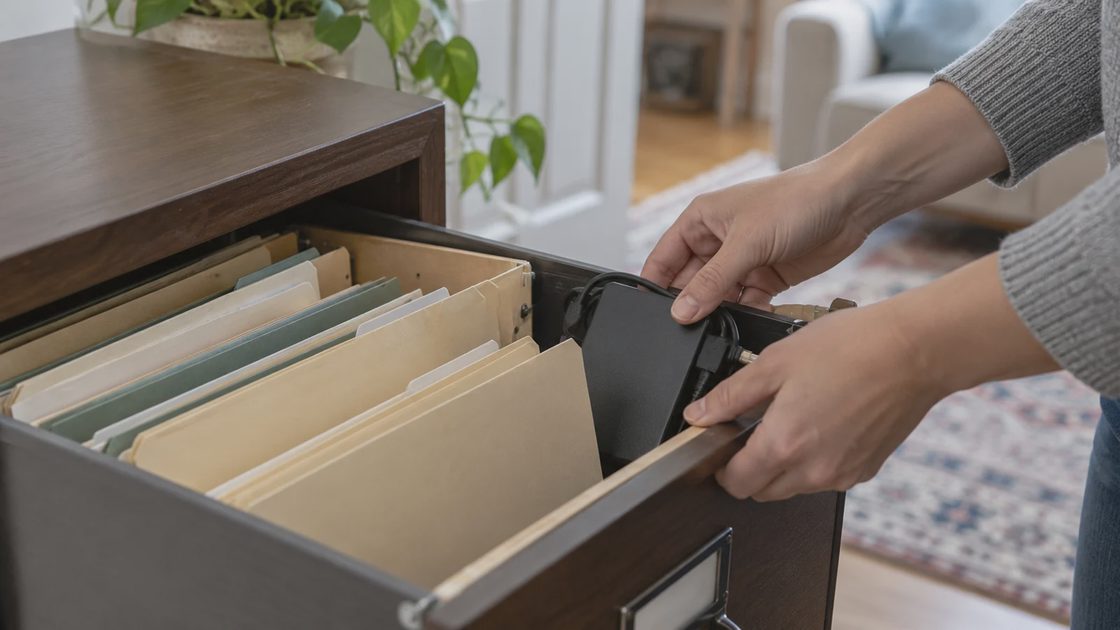
Maintain an independent copy of essential records according to their importance and the available tools. Synchronization is helpful, but an unwanted change may synchronize too. Check that your separate copy opens and includes the pages you expect.
Our online document vault guide covers the broader filing system. The security question here is narrower: does your actual Dropbox arrangement match the sensitivity and access needs of the particular records?
Check whether the folder belongs to a personal account or a work-managed account. A household should understand who administers the storage and what happens if that relationship ends. A convenient folder in a work environment may have organizational rules and access arrangements you do not control personally.
Keep a plain index of essential record categories without reproducing their sensitive contents. The index can tell an authorized adult where the current insurance record belongs and who owns its storage. It should not reveal account numbers or become a second document archive with weaker permissions.
A decision for the documents you have now
Dropbox sensitive document storage risks become manageable when you state a decision for each record category. Routine household reference files may fit your reviewed setup. Material requiring stricter recipient control, a different encryption arrangement, or special handling may need another approach.
Use this short note after your review:
Record category: What belongs here? Owner: Who controls the account? Access: Which named people and links remain? Recovery: Where is the usable separate copy? Next review: What event should trigger another check?
Review access after finishing a loan application, changing helpers, replacing a device, or sharing new sensitive material. Those events change the document's exposure more directly than a calendar reminder alone.
If you find a link wider than intended, restrict or remove it, then assess what was shared and whether additional action is needed. Do not assume a settings change proves nobody accessed the material earlier. Equally, do not describe a broad link as proof that someone misused it.
Pick one important folder and inspect its members and links separately. That concrete check answers more about how secure Dropbox is for your household than a product label can.