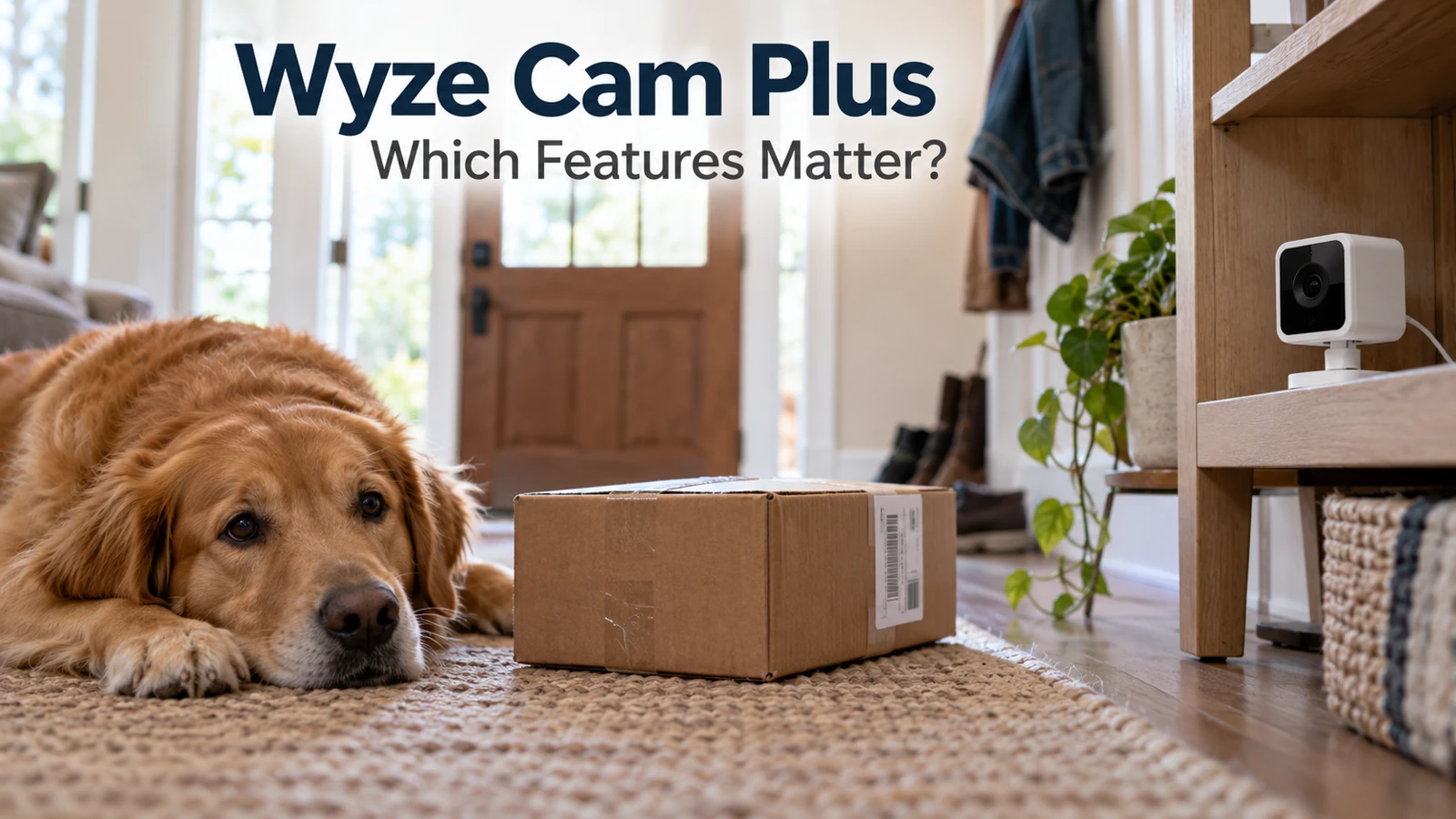
A Wyze Cam Plus subscription is worth reviewing camera by camera. One device may record the front walk where saved events matter; another may serve mainly as a live view of the dog. Those jobs do not automatically need the same paid features.
The useful question is what your household would miss if a particular subscription feature ended. Start with the events you actually retrieve, then compare coverage and billing intervals. This avoids buying a larger plan simply because its feature list is longer, or canceling a useful plan without understanding what changes.
Name the job before reviewing the feature
Give every camera a plain-language purpose. “Front door: find a delivery event later” is more useful than “camera one.” “Kitchen: check the pet live” suggests a different purchase decision. Keep these descriptions beside the camera names used in the app.
Ask everyone who regularly uses the cameras which features they rely on. A subscription can look unused to the payer while another person reviews its recordings. Equally, a household may be paying for a function nobody has opened since setup.
Make a short Wyze Cam Plus features checklist with three columns: feature needed, device needing it, and last time used. Treat “not sure” as something to test. Do not interpret it automatically as a reason to upgrade or cancel.
What the published plans cost
The Wyze service plans page, checked October 29, 2026, lists these US options. Prices are a dated public reference; confirm taxes, offers, eligibility, and the actual renewal charge in your purchase channel.
Public option | Monthly charge | Annual charge | Coverage described |
|---|---|---|---|
Cam Plus | $2.99 | $29.99 | One camera |
Cam Unlimited | $9.99 | $99.99 | All eligible cameras on the plan |
Cam Unlimited Pro | $19.99 | $199.99 | Higher tier; verify included services |
An annual charge is paid as an annual charge, even if a sales page also expresses it as a monthly equivalent. Compare the amount due now and the renewal amount, not just the most prominent number.
Do not assume the higher tier is needed to cover more cameras when a lower unlimited option already meets that requirement. Read the specific added capabilities and decide whether your household has a use for them. Availability and device support can limit the usefulness of a feature.
The camera count changes the arithmetic
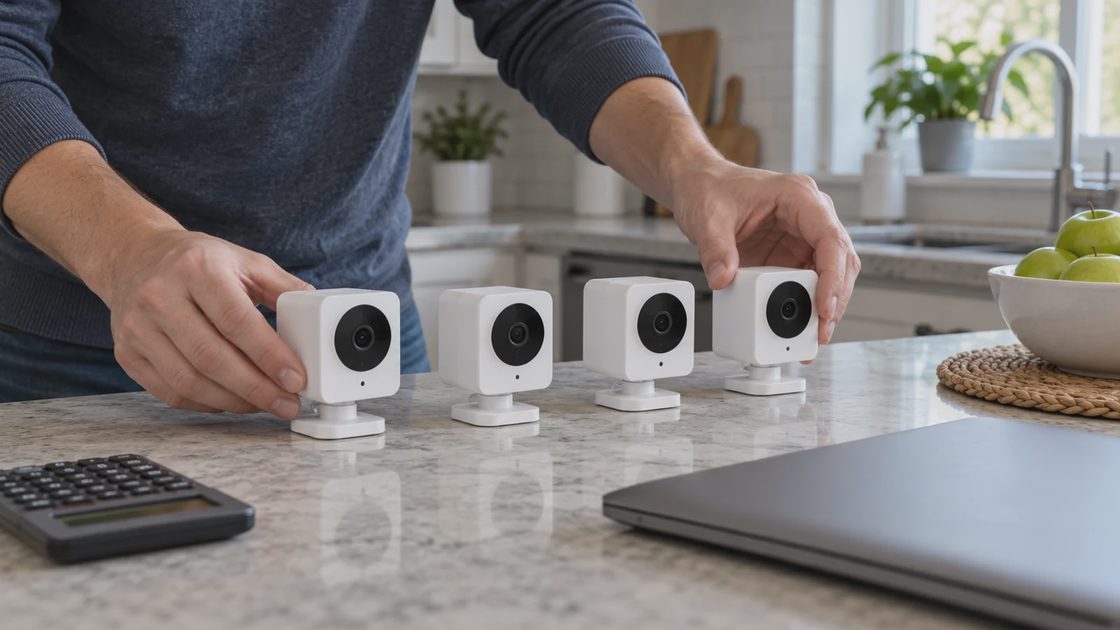
At the listed monthly prices, three separate Cam Plus subscriptions total $8.97; four total $11.96. The $9.99 unlimited option becomes cheaper than four individual monthly subscriptions, assuming comparable eligible coverage for the job you need.
For annual billing, three individual subscriptions total $89.97 and four total $119.96. Compare those with the listed $99.99 annual unlimited amount. The same four-camera threshold appears in this simple calculation, but your actual account offer may differ.
This does not mean a household with four devices needs four paid subscriptions. Count only the cameras that need the paid functions. Four cameras in the app and two cameras requiring saved cloud events are different purchase problems.
For a Wyze Cam Plus household subscription cost note, write both totals: “All devices owned” and “devices needing paid coverage.” This keeps a newly added live-view camera from quietly expanding the subscription budget without a reason.
Does Wyze require a subscription to do anything useful?
Does Wyze require a subscription? The answer depends on the function and camera. Wyze's Cam Plus explanation distinguishes subscription services from basic camera operation. Check the documentation for your exact model instead of treating one camera's behavior as universal.
Live viewing, event notifications, cloud event video, and local recording are separate capabilities. A notification or still image does not necessarily provide a playable recording of the whole event. The fact that a camera appears online also does not establish that it is preserving history.
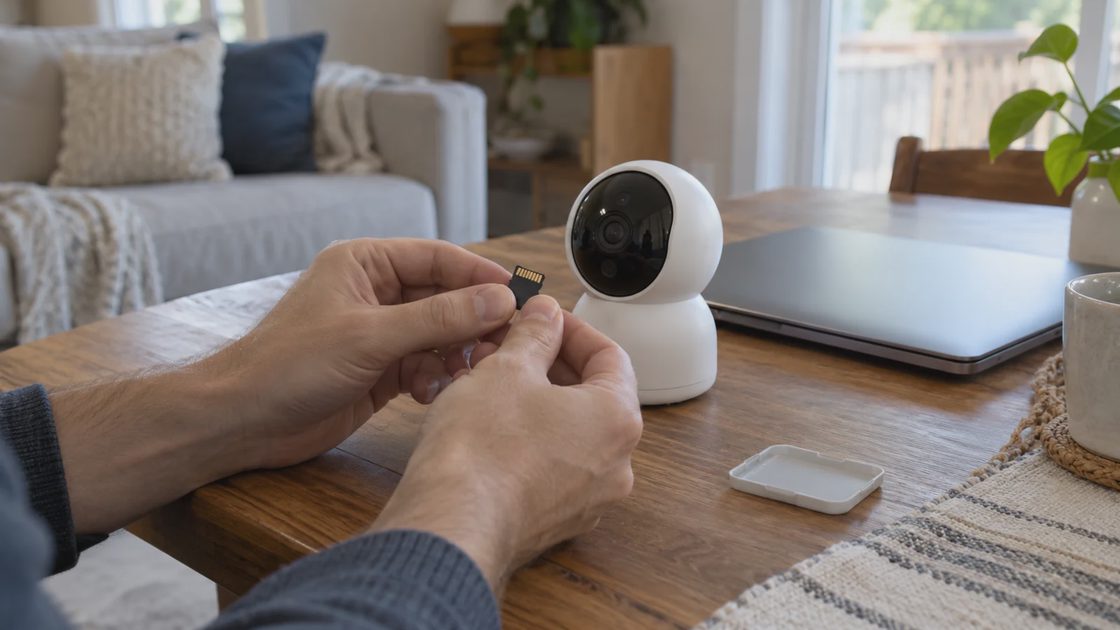
Some models support microSD recording, with specific settings and hardware requirements. For example, Wyze's Cam v3 recording explanation discusses local continuous recording. This is not evidence that every Wyze device offers identical local storage, or that Cam Plus means continuous cloud recording.
If you intend to depend on local recording, test playback and check the card's health and settings. A card inserted months ago should not be counted as a working recording system until you can retrieve a recent example.
Put the features through a household test
A Wyze Cam Plus free vs paid comparison becomes clearer with one ordinary, harmless event. Use your own activity on your property, respect other people's privacy, and examine what the camera actually made available. Do not manufacture an emergency to test a subscription.
Follow the event through four stages:
Detection: Did the camera identify activity at the intended location?
Notification: Did the intended person receive something useful?
Retrieval: Could that person find the event afterward?
Retention: Could the household save a playable copy when needed?
A paid detection label can reduce the amount of sorting someone does, but it is not a guarantee of perfect classification or complete coverage. Evaluate whether it helps in your setting. A camera looking through an unsuitable angle or lacking a reliable connection may not become useful just because its plan changes.
The published Cam Plus offering includes a defined event-history window. History is not a permanent household archive. Export anything you genuinely need while it is available, and open the exported file outside the app to confirm it plays.
Decide what to keep, reduce, or revisit
Use the results to choose a subscription action rather than collecting more plan screenshots. Keep paid coverage where its retrieval or alert features solve an identified need. Consider reducing it where verified basic or supported local functions are sufficient.
Finding | Sensible next step |
|---|---|
One camera needs cloud event history | Compare its individual plan with the current account offer |
Four eligible cameras need the same paid coverage | Compare individual totals with Cam Unlimited |
The household uses only verified live view | Check what ending paid coverage would remove |
Local playback fails | Resolve recording reliability before relying on it |
Another adult cannot find clips | Fix access and understanding before judging usage |
If your household uses several brands, keep their billing records separate. Our Arlo subscription cost review uses a similar cost method, but Arlo's plan rules do not describe Wyze's features.
A recording test should include time, not just presence. Check that the date and approximate event time make sense so you can find a clip later. If the timeline is confusing, resolve that before deciding how much history to buy. More days of confusing records do not necessarily improve retrieval.
Also inspect camera names after moving equipment. A camera still named “Front door” after being relocated can mislead the person searching for an event. Update the household inventory and the app label together where the app supports it.
Before annual renewal, ask whether the household still owns and uses the same devices. A plan selected when four cameras were active may no longer fit after two are retired. Recalculate from the current useful coverage rather than preserving a purchase decision made for an older setup.
A renewal note that someone else can understand
For a Wyze Cam Plus renewal review, gather the account email, payer, purchase channel, current plan, covered cameras, and next charge. Store the receipt and change confirmations where another authorized adult can locate them without sharing your personal login.
Add a reason for the decision in one sentence: “Keep front-door cloud events; other camera used for live checks.” This is more useful next year than a note saying only “renewed.” It also gives someone a way to question the purchase if the camera's job changes.
Before ending coverage, save important recordings and check the effective date and applicable terms. Do not assume that removing a camera, deleting the app, or uninstalling equipment cancels a recurring charge. Confirm the subscription action in the channel responsible for billing.
After the change takes effect, compare the next billing record with the expected amount. If the charge differs, use the confirmation and receipt to investigate the specific subscription rather than repeatedly changing unrelated settings.
Count the cameras that need paid features, then multiply that count by the current individual price. Put the result beside the actual unlimited offer. That gives your Wyze Cam Plus subscription decision a clear cost basis and a clear household purpose.